
Get Started with vuejs-code-block
Installation
To get started, install the package via npm:
bash
npm install vuejs-code-blockAlternatively, if you're using Yarn:
bash
yarn add vuejs-code-blockBasic Usage
Once installed, you can start using the CodeBlock component in your Vue 3 app to display syntax-highlighted code. Here’s a simple example:
vue
<template>
  <CodeBlock
    theme="dark"
    :code="codeExample"
    language="javascript"
    class="custom-class"
    id="example-code-block" />
</template>

<script setup lang="ts">
  import { CodeBlock } from 'vuejs-code-block';

  const codeExample = `
function greet(name) {
  console.log('Hello, ' + name);
}

greet('World');
`;
</script>WARNING ❗
Make sure the content of the codeExample string does NOT have leading spaces. The code should be formatted like this:
ts
const codeExample = `
function greet(name) {
  console.log('Hello, ' + name);
}

greet('World');
`;
Avoid writing it with leading spaces like this:
ts
const codeExample = `
  function greet(name) {
    console.log('Hello, ' + name);
  }

  greet('World');
`;
Incorrect formatting may cause unexpected whitespace in the code block.
Props:
| Prop | Type | Required | Default | Description |
|---|---|---|---|---|
code | string | Yes | N/A | The code you want to display, passed as a string. |
language | string | Yes | N/A | Specifies the programming language for syntax highlighting. |
theme | string | Yes | N/A | Specifies the theme to be used for syntax highlighting (light or dark). |
asElement | string | No | <pre> | Defines the HTML element wrapping the code block (defaults to <pre>). |
numbered | boolean | No | false | Displays line numbers when set to true. |
showHeader | boolean | No | true | Displays the code block header (title, language icon, and copy button) when set to true. |
file-name | string | No | N/A | The name of the file to be displayed in the header. |
Themes:
| Theme Name | Image |
|---|---|
| Dracula | 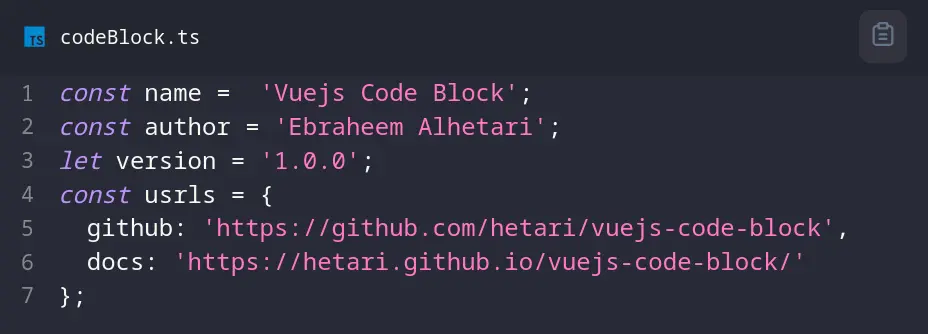 |
| Duotone Dark | 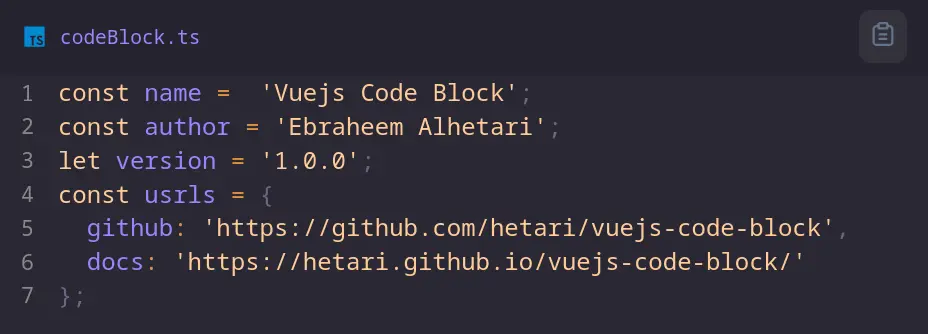 |
| Duotone Light | 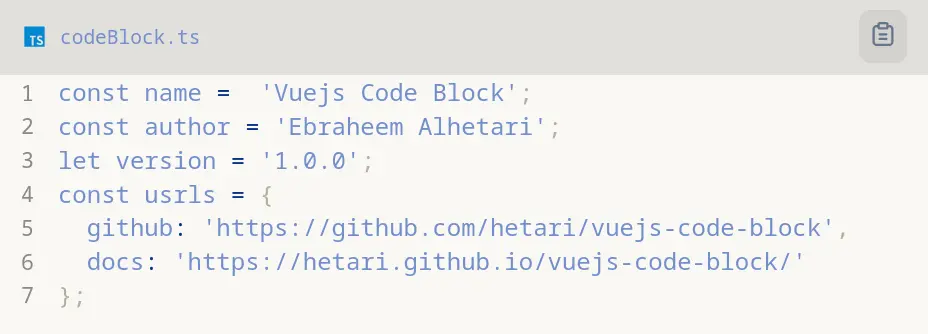 |
| GitHub | 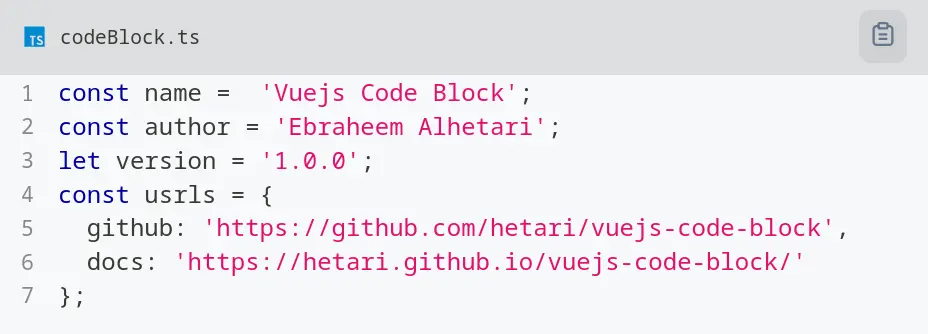 |
| Night Owl | 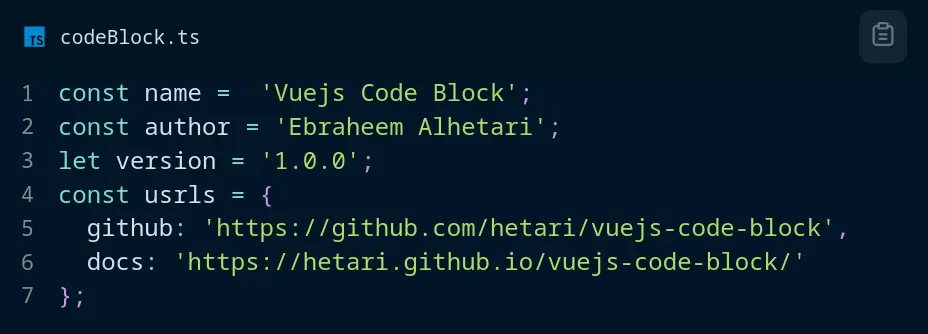 |
| None | 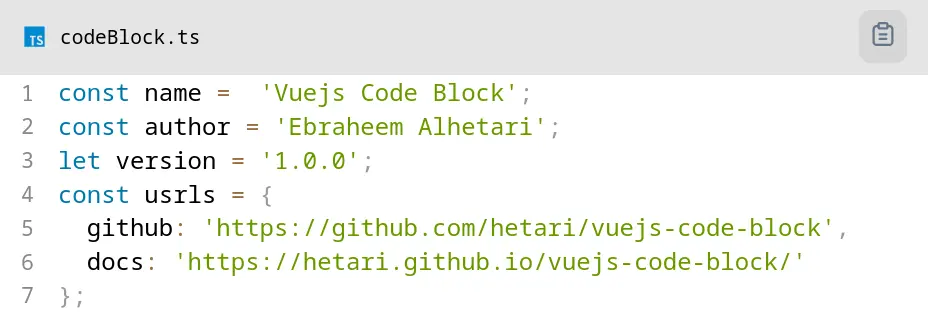 |
| Oceanic Next | 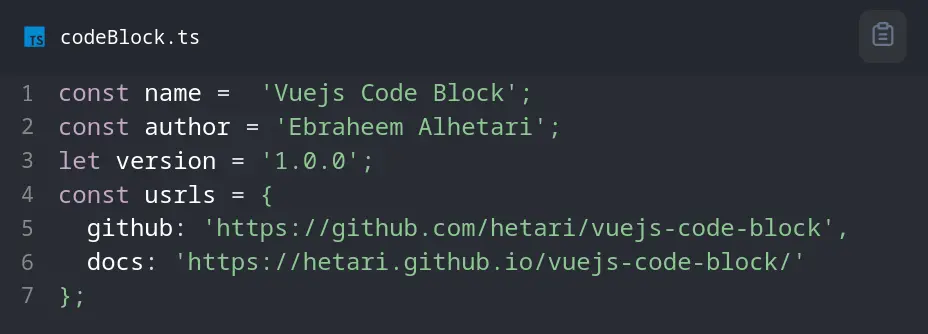 |
| Prism Dark | 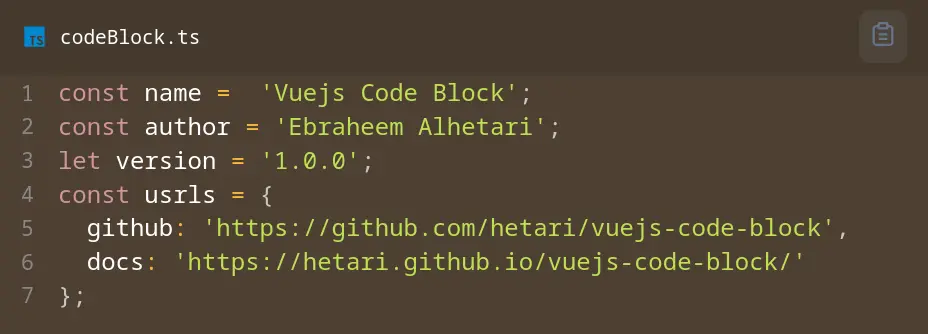 |
| Prism Funky | 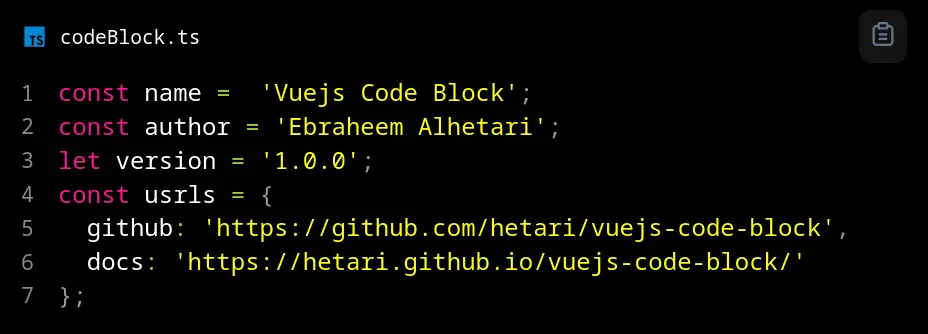 |
| Prism Okaidia | 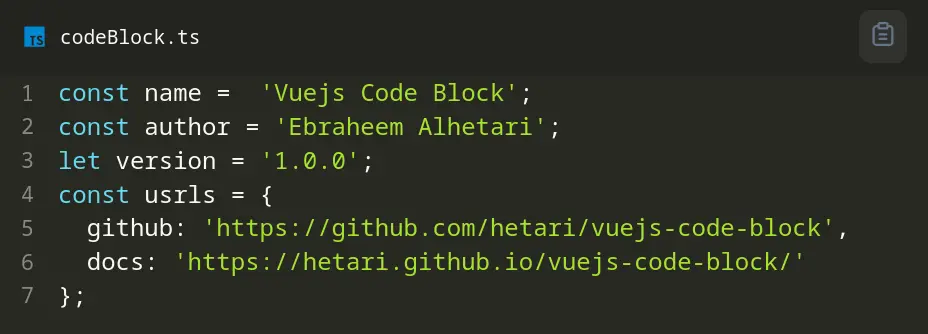 |
| Prism Solarized Light Theme | 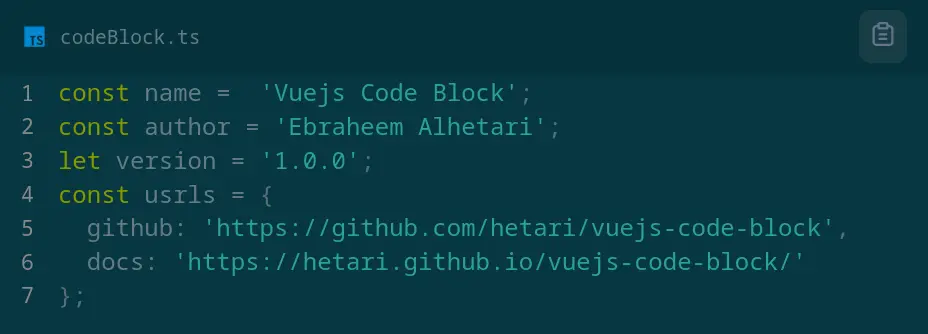 |
| Prism | 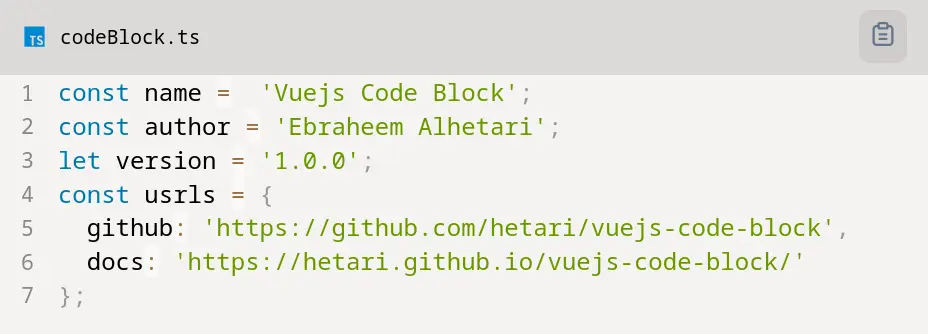 |
| Prism Theme Coy | 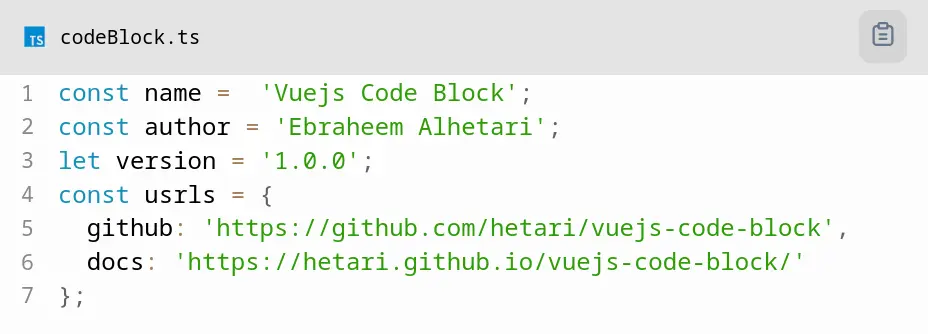 |
| Prism Tomorrow | 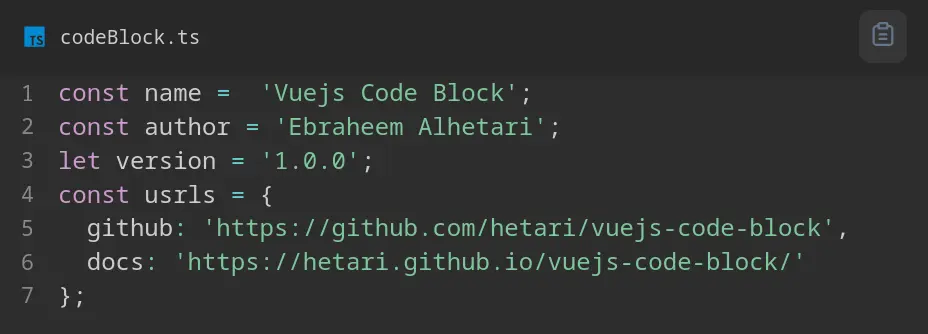 |
| Prism Twilight | 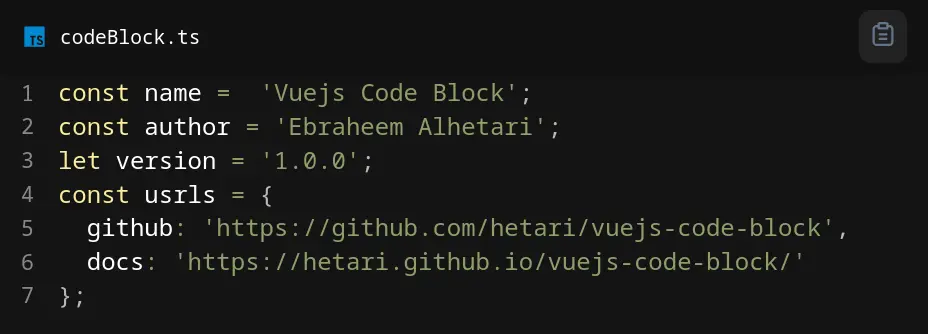 |
| Shades of Purple | 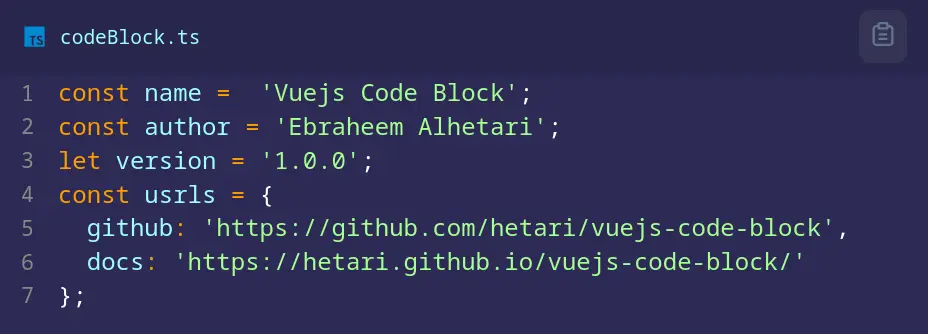 |
| UltraMin | 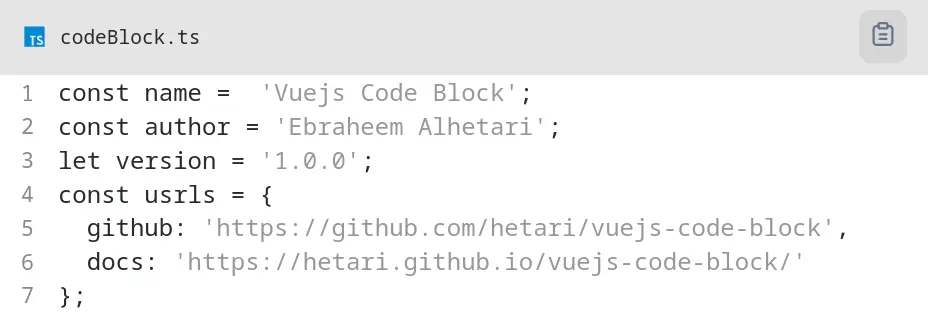 |
| VS Dark | 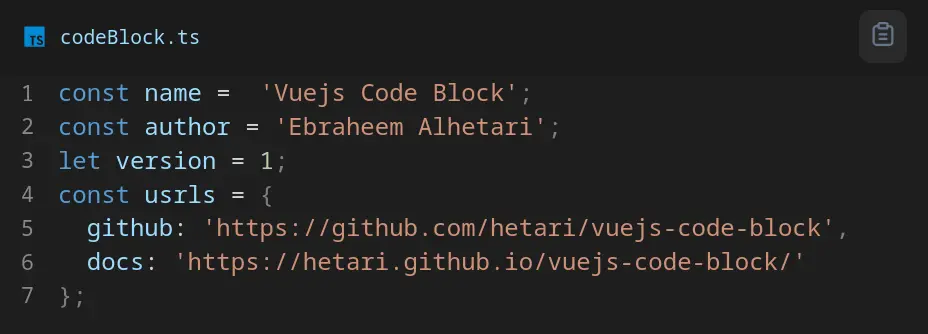 |